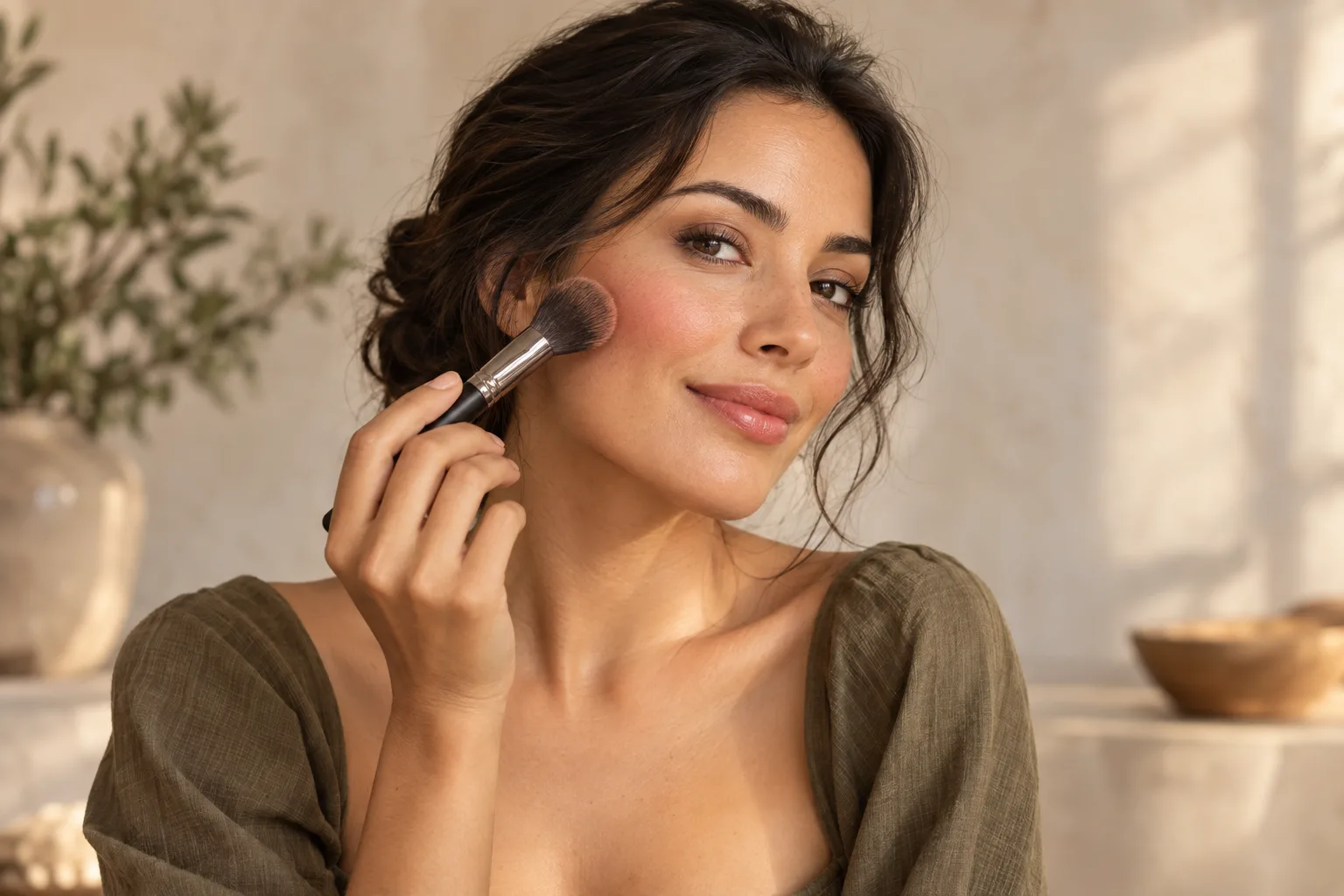
Give the idea a direction
Describe the time you have, how defined you want the look to feel, and the colors you enjoy. A portrait alone cannot tell an app all your preferences.
AI MAKEUP IDEAS · IPHONE APP
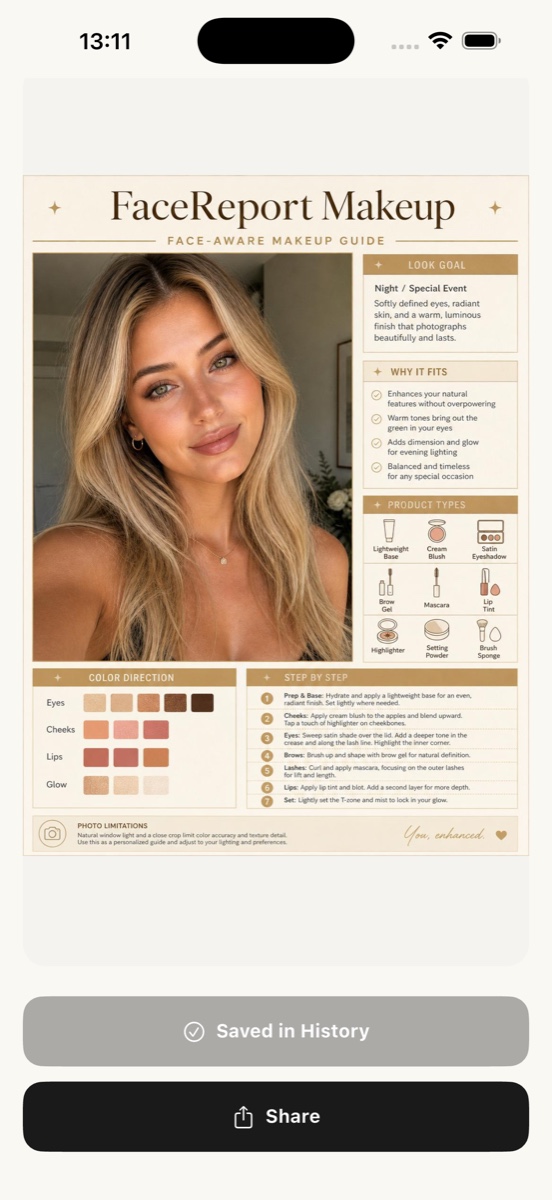
A useful makeup idea starts with what you want to try. FaceReport AI uses a selected portrait and your preferences to create a starting point you can adapt to your own products, time, and comfort.
Available on the US App Store. Access and current prices are shown in the app.
A PRACTICAL STARTING POINT
Describe the time you have, how defined you want the look to feel, and the colors you enjoy. A portrait alone cannot tell an app all your preferences.
Explore the application guide one step at a time. Mark completed steps and return to where you left off rather than trying to copy every detail at once.
Save a favorite report with a name and your own note. Record the color direction you liked and one thing you would change for your next attempt.
FROM PHOTO TO EXPLORATION
Open the makeup experience in the iPhone app. Select a well-lit portrait with the face visible, and read the explanation about photo processing before you give consent.
Choose a direction for time, intensity, and tones. If you are unsure, start with one focal point, such as soft cheeks or a more defined lip, using products you already know.
Review the generated idea alongside your original portrait. Keep a detail you like, skip what does not suit your taste, and assess your real makeup in your own lighting.
A generated makeup idea is not proof of an exact product or foundation shade match. Photo lighting, screen settings, and your application can change how a color appears. Do not assume a photo-based report provides a live virtual try-on or a professional beauty consultation. Start with the general idea and decide what you want to use.
Before using the app, read the Privacy Policy and Terms. For questions about access or an existing report, visit support.
COMMON QUESTIONS
It can suggest a direction to explore, but it cannot replace your taste or guarantee a flattering result. Preferences such as intensity, colors, and time are more useful than treating a face shape as a set of compulsory makeup rules.
FaceReport AI lets you describe a change and request a new makeup version from the original portrait. The previous report is kept, and a new version uses the normal report allowance. Other generated details are not guaranteed to stay identical.
No. Photo selection, consent, and report creation happen in the iPhone app. This website explains the experience and provides guides you can read before deciding to use it.
Do not assume unlimited free reports. Access, available usage rights, subscriptions, and current prices are displayed in the app. Check the purchase screen before buying.
READ BEFORE YOU TRY
Makeup
Start a natural makeup look with light layers, one focal point, and products you already know. Includes three simple looks to try.
Read the guide ↗Makeup
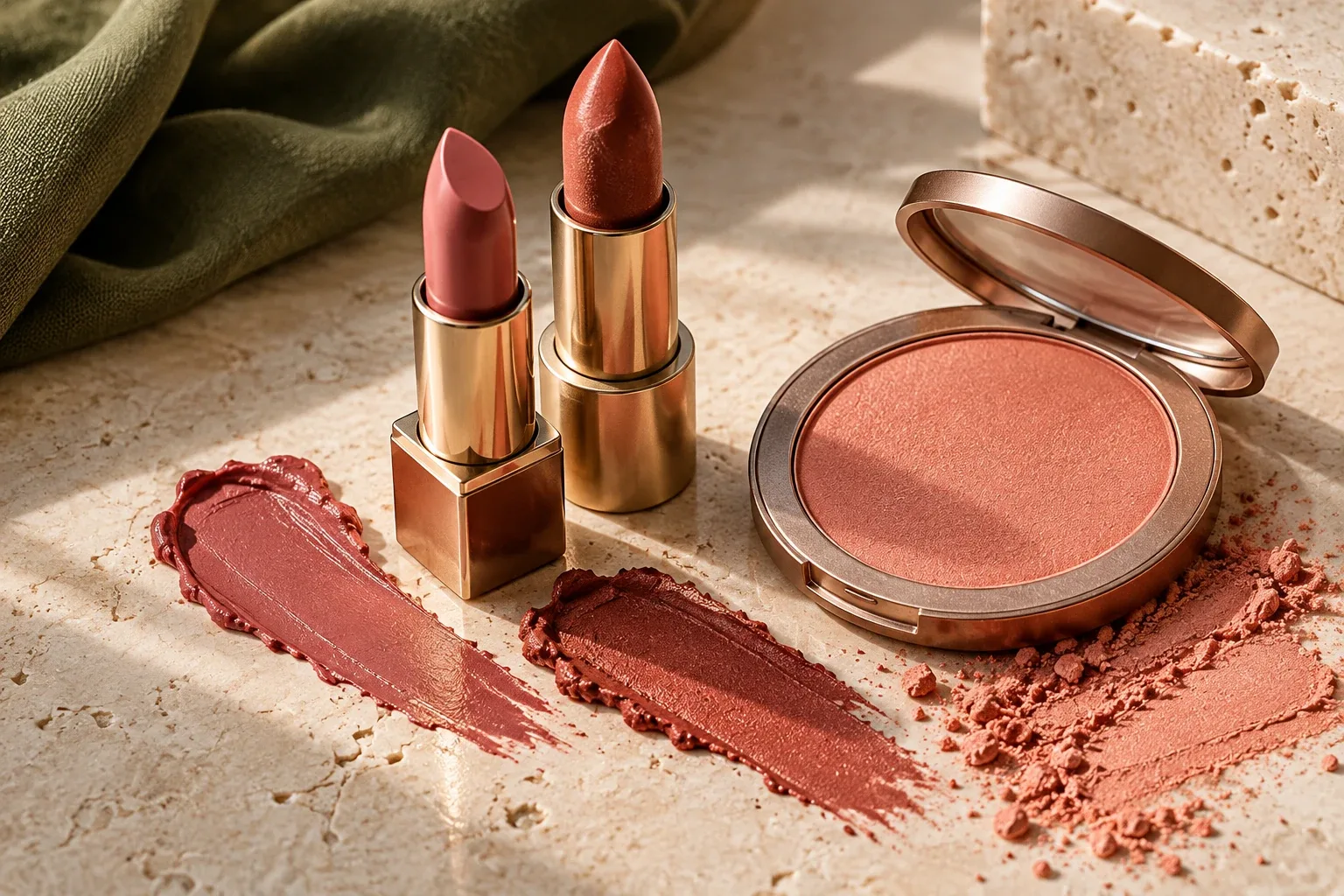
Try three flexible blush and lipstick pairings, then adjust color intensity and finish around the feature you want to emphasize.
Read the guide ↗Makeup
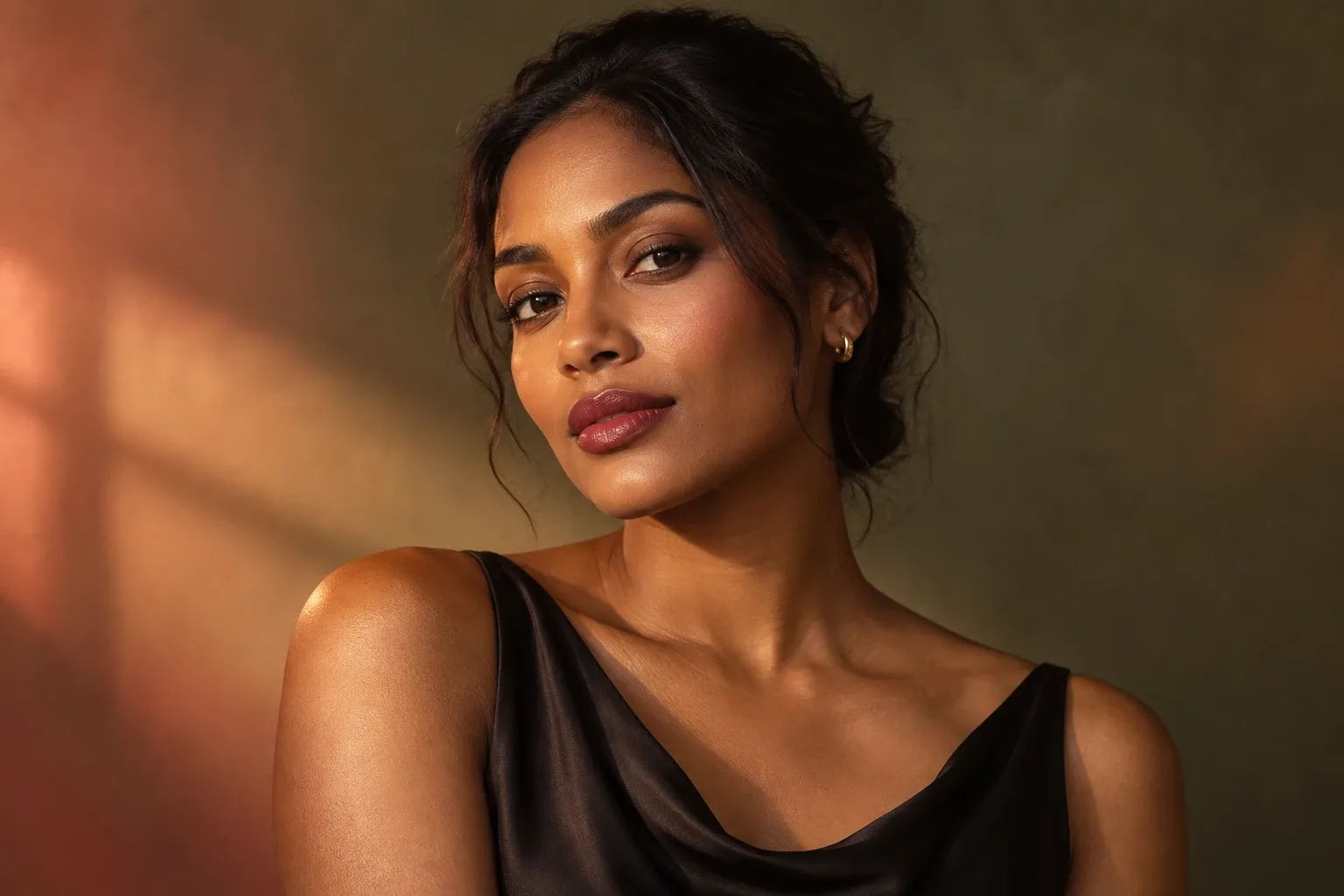
Refresh your daytime makeup for evening by changing one focal point, color, or finish while keeping the details you already enjoy.
Read the guide ↗