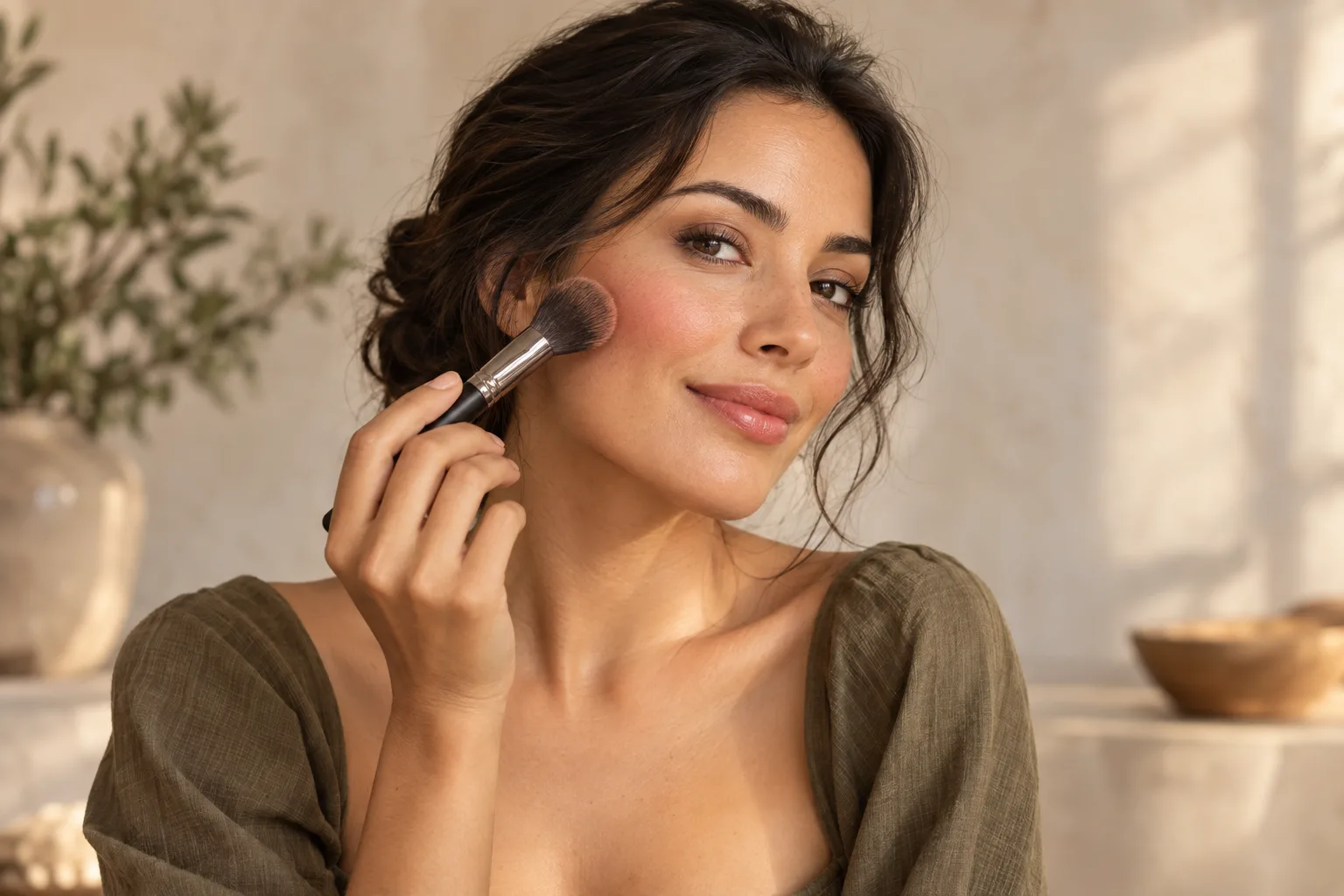
You do not need a long list of products to start a natural makeup look. Choose one detail to emphasize, add color gradually, and step back after each step. Visible skin texture, different levels of coverage, and skipped steps can all be part of the look.
This guide focuses on application choices. For planning your preparation time, see the everyday makeup routine.
1. Set up your mirror and lighting
Begin in balanced light where you can judge color. Move back from a close mirror occasionally to see the whole look. Have familiar products ready and follow their instructions. Trying many new products at once can make it harder to identify the textures you like.
Choose a goal first: a touch of cheek color, more defined lashes, or a soft lip. A natural look does not require the same product list for everyone.
2. Keep base coverage where you want it
If you choose to use a base product, start with a thin layer rather than putting the same amount everywhere. Check the edges after blending. You do not need to add product to an area simply because it appears next on a list.
Light coverage is one common starting point, also discussed in L'Oréal Paris's natural makeup guide. The goal is to find coverage you enjoy, not duplicate someone else's skin appearance.
Do you need foundation?
No. You can skip the base and begin with cheek or lip color. “Natural makeup” is not a compulsory shopping list. Start with your own comfort and available products.
3. Add a small touch of blush
Follow the product's directions and keep the first application light. Blend, then step back. Does the cheek color support your chosen focal point, or does it stand out more than you wanted? If it feels too strong, pause instead of making every other area stronger.
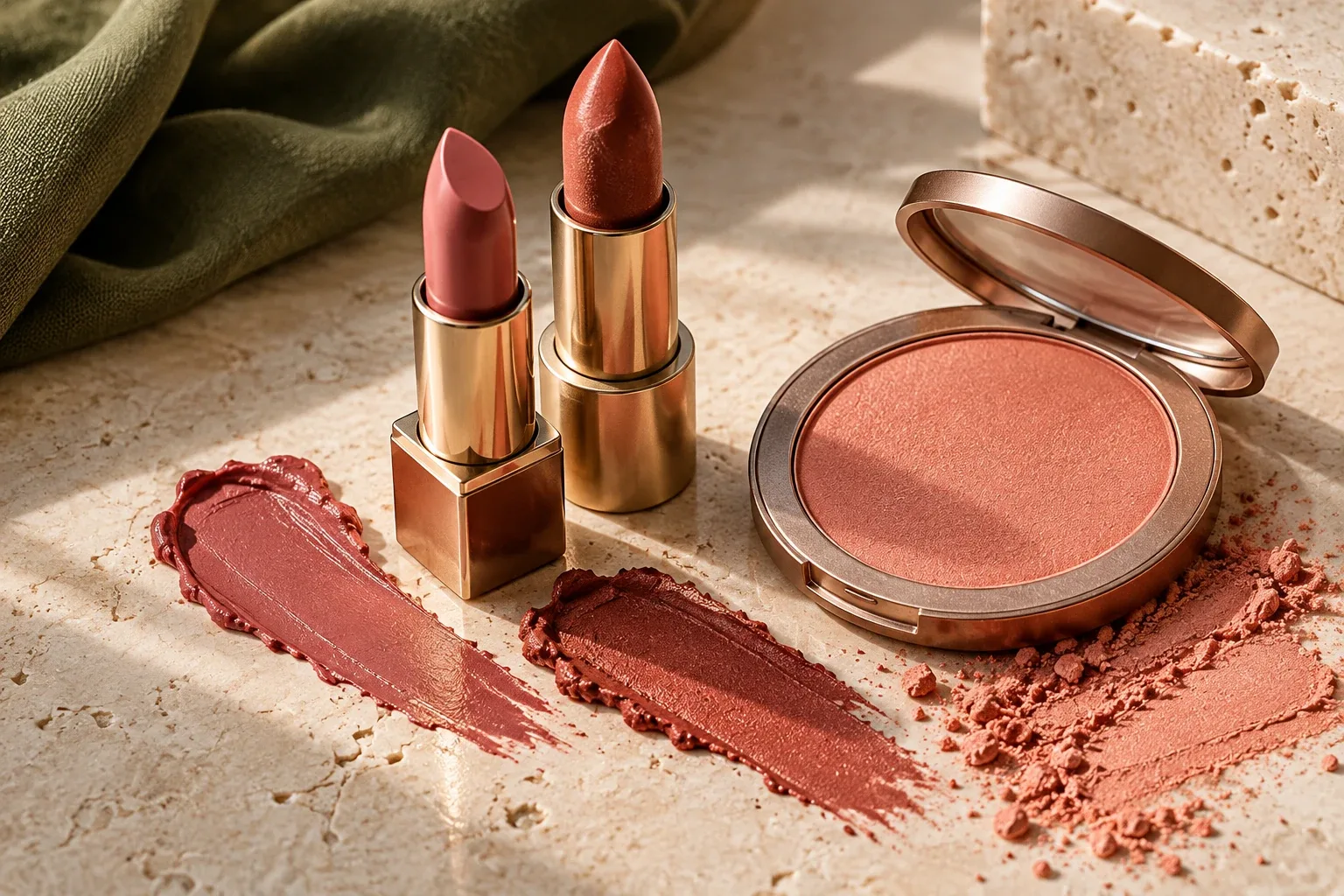
For palette ideas, start with a lipstick you already own. The blush and lipstick pairing guide explores a shared color direction without requiring an exact shade match.
4. Keep eyes and brows simple
Brushing your brows or using a familiar mascara according to its directions can be enough. Eyeliner, several shadow colors, and strong brow definition are optional. If you are learning a technique, trying just that technique can make the process easier to follow.
5. Choose your lip intensity
Pause after the first layer of a colored lip product. Natural-looking makeup is not limited to beige; you may prefer a light application of pink or peach. Judge the color and finish before adding more. Do not assume products intended for different areas are interchangeable.
Three looks to start with
- Cheek-focused: light cheek color, brushed brows, and a simple lip.
- Lip-focused: a favorite lip tone, softer cheeks, and one familiar eye step.
- Fewer steps: skip the base, brush brows, and add one touch of color.
These are options for experimentation, not universally flattering rules. If one does not appeal to you, note the detail you would change.
Bring a preference to your own photo
In FaceReport AI, select a portrait and describe time, intensity, and favorite tones. For example: “Light intensity, rose tones, and a simple cheek-focused idea.” Follow the resulting guide in smaller steps and save a report you want to revisit.
Photo processing and report access happen in the iPhone app. AI inspiration does not guarantee an identical real-world result. View FaceReport AI on the App Store, or explore more examples of makeup preferences.
If the first attempt feels heavier than you wanted
Identify the part you would change before adding more elsewhere. Is it the amount of cheek color, a sharply defined lip, or eye makeup that feels too strong? For your next attempt, change that one area and keep the others familiar. Adding extra steps to balance a detail can make the overall look more involved than you intended.
For example, if a defined lip is the issue, your next goal could be “a softer lip direction with the same light cheek idea.” If you are using FaceReport AI, describe that change in a new makeup version; review the whole output because other generated details may also change. New versions use the normal report allowance.
Can natural makeup include visible color?
Yes. A rose lip or peach-inspired cheek can still fit your own idea of a natural look. Color intensity, coverage, and finish are choices; beige is not a requirement. You can also skip makeup on a day when you do not want it.
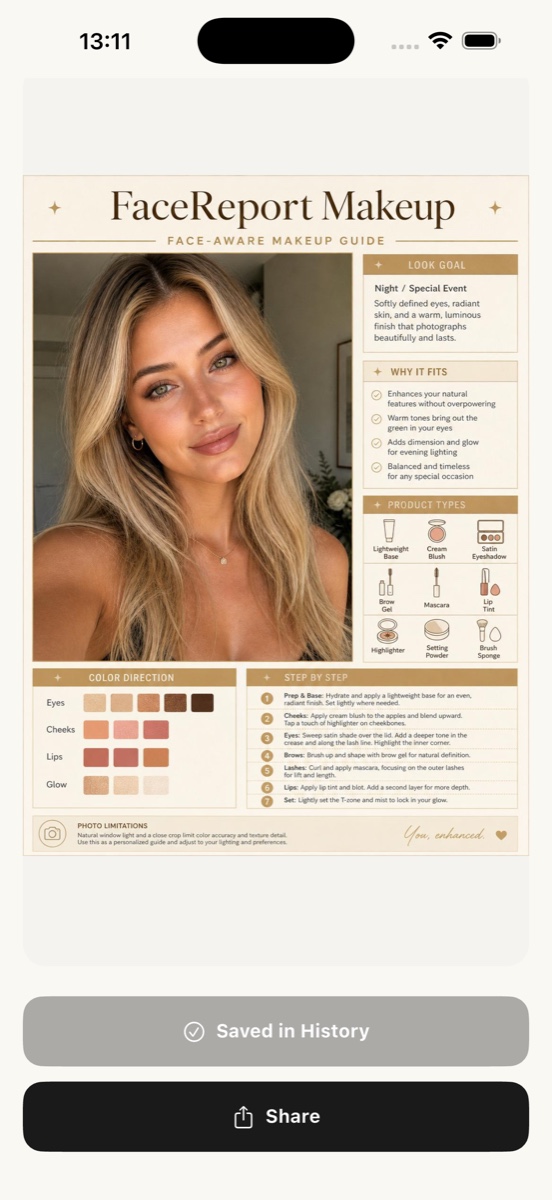
The example screenshot below shows a more defined evening makeup report to demonstrate the app's layout. It is not presented as a natural makeup result. For a lighter request, specify your own preference instead of expecting this example's colors and steps.
Final check: do you want another step?
Step back and look at your chosen focal point. If you like the finish, you can stop. Save the technique, color, and one possible adjustment for another day rather than adding steps just to complete a list.
INSIDE FACEREPORT AI
Describe a lighter look
Start with a goal such as “Light intensity, softer lip color.” This capture is a night/special-event example, not a natural makeup result.
- Specify light intensity and a color direction you enjoy.
- Choose one detail to explore using your own products.
- For a lighter version, describe the single area you want to change.
Photo selection, consent, and reports happen in the app. AI ideas may be incorrect. Access and current prices are shown in the app.
For information and inspiration. How we prepare our guides ↗ · Türkçe sürüm ↗