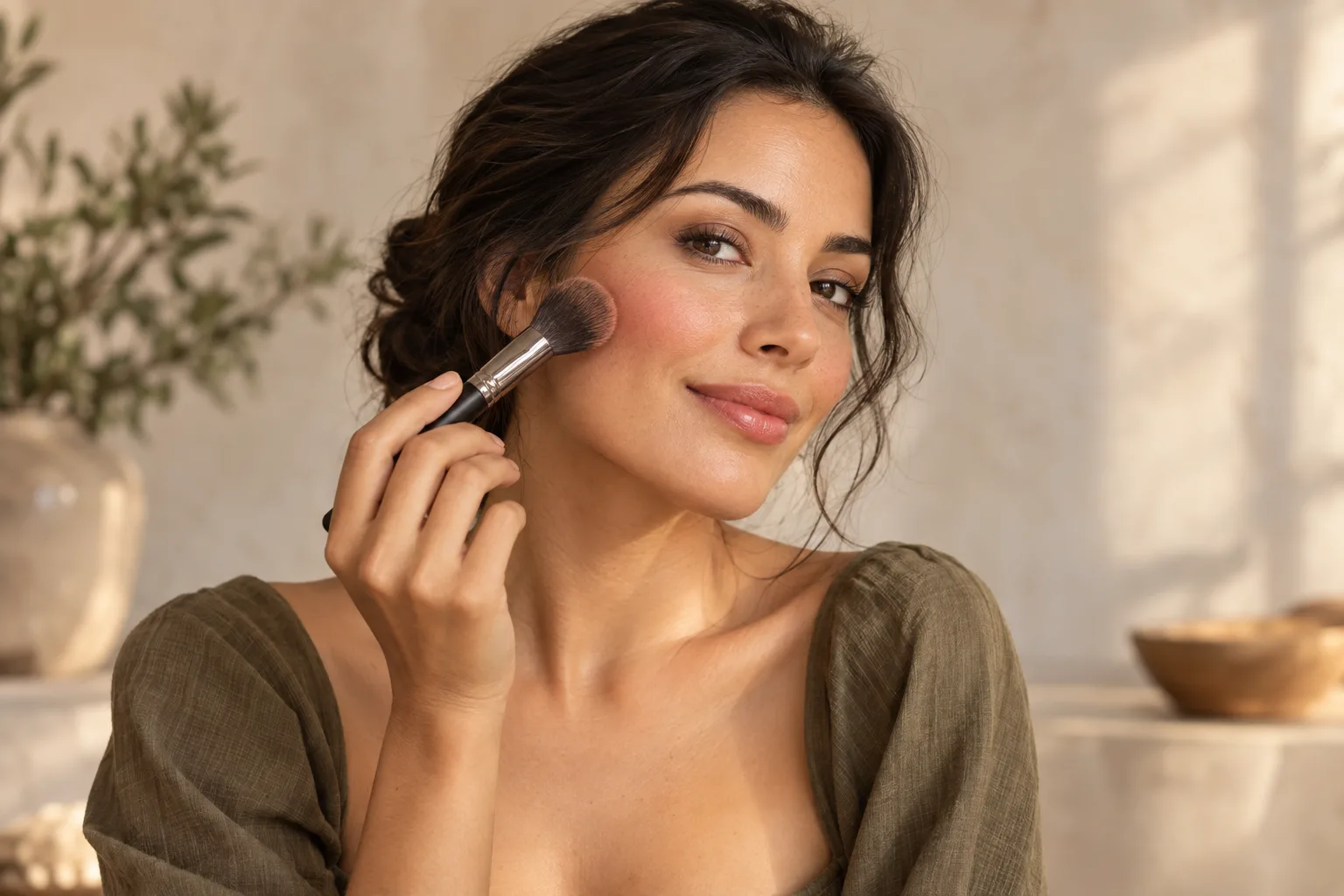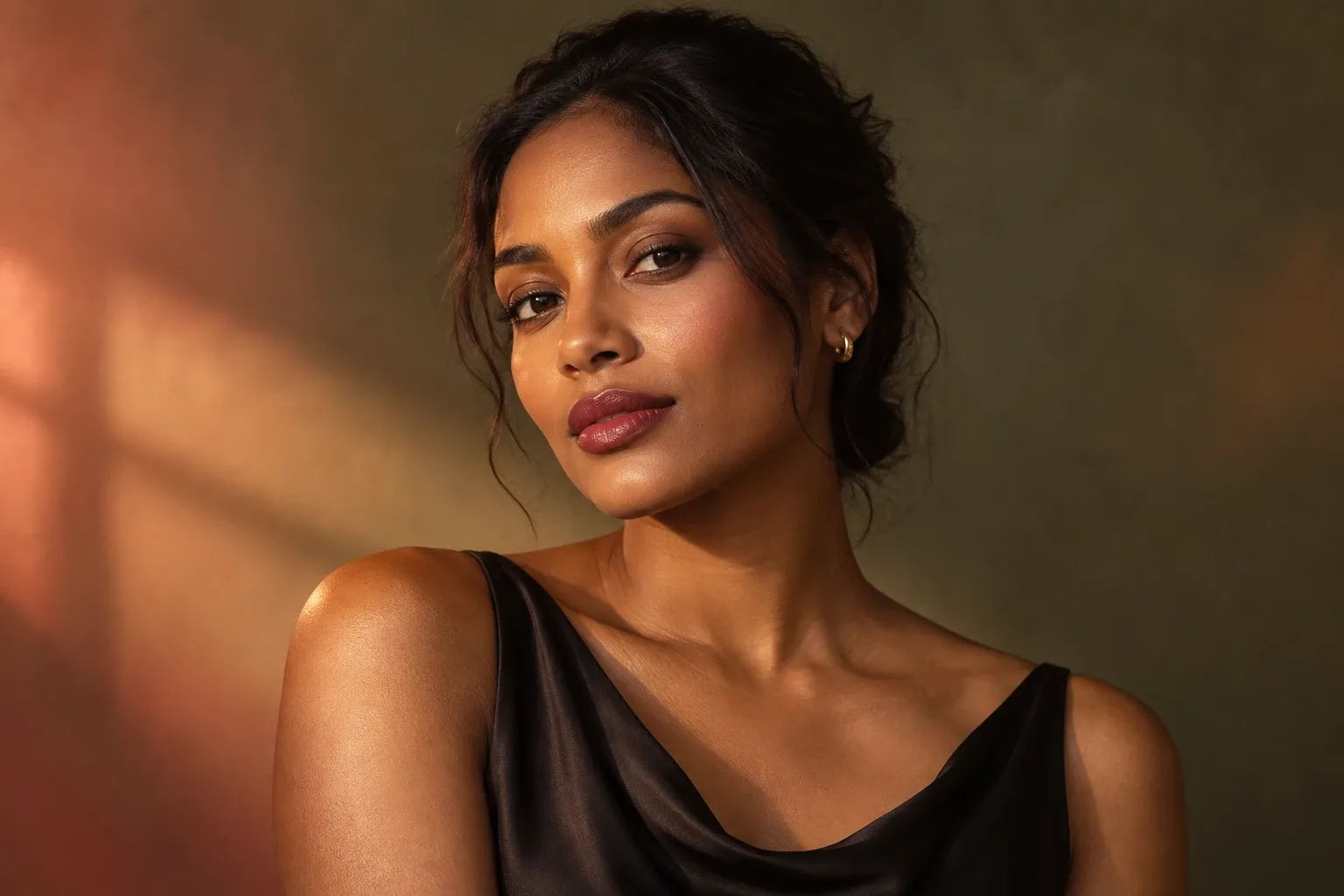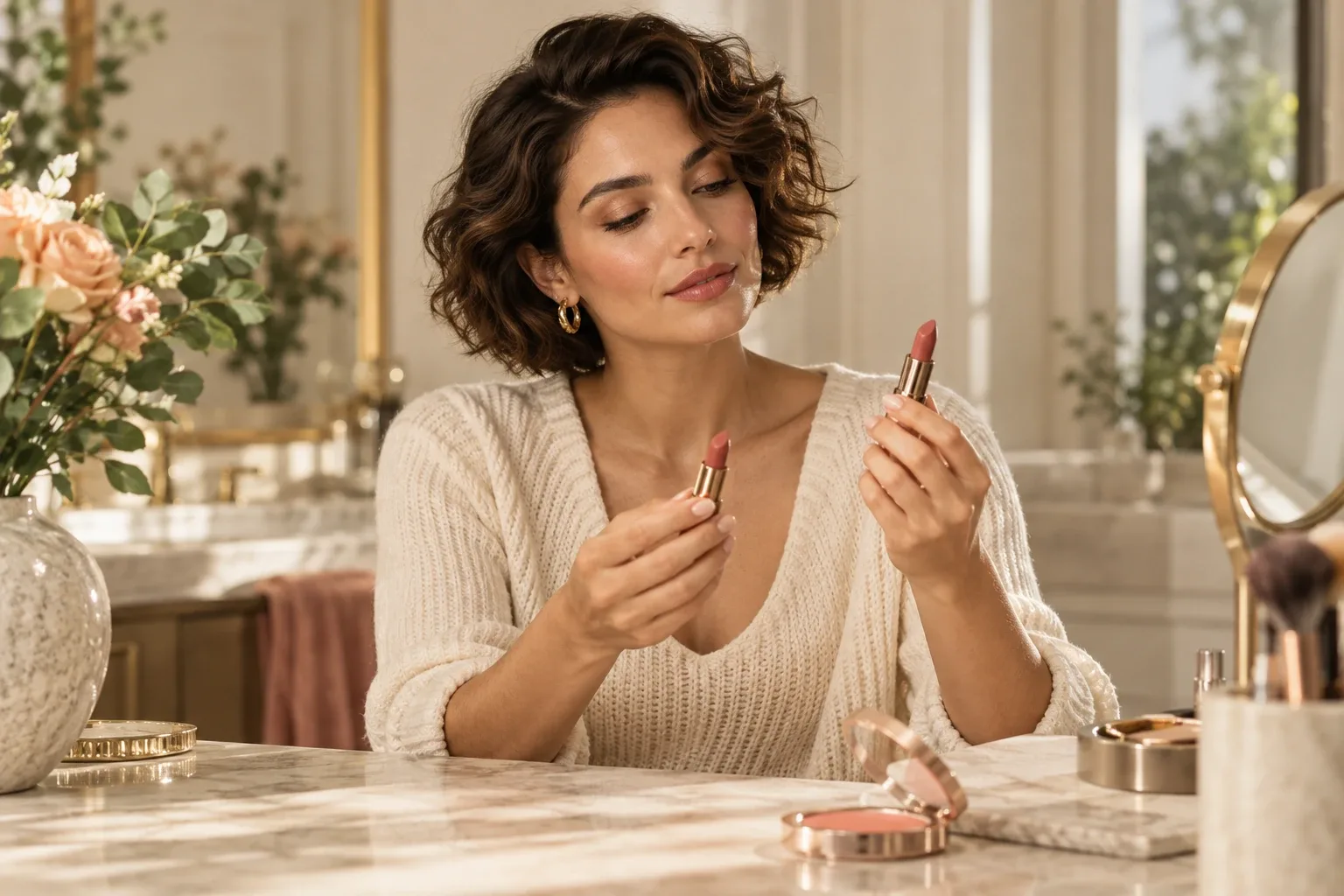
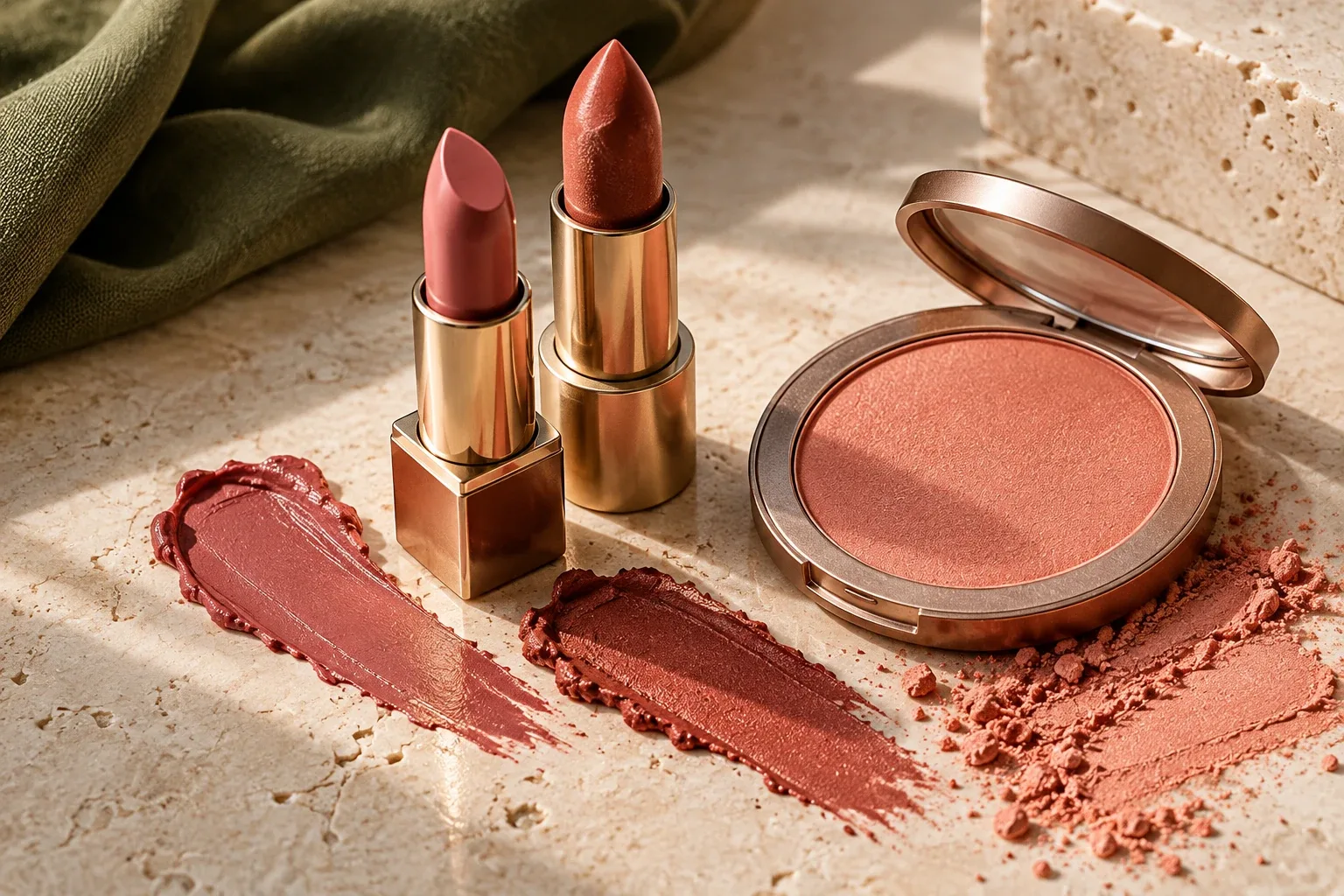
Blush and lipstick do not have to be the exact same color. Start by deciding which area you want to emphasize, then consider intensity and finish together. A stronger lip can sit alongside softer cheeks; if cheeks are your focus, you may prefer a quieter lip.
These pairings are personal style experiments, not a definitive skin-tone chart or a way to diagnose undertones from a photo.
Idea 1: keep a similar color direction
Try a rose-toned lip with a softer rose cheek, or explore peach-inspired tones together. You are looking for a shared impression rather than identical labels on packaging. Start with what you own and check the combination on your face in balanced light.
If both colors feel too prominent, keep the palette and reduce the intensity in one area before changing everything.
Idea 2: let peach and rose play different roles
You can try a softer peach cheek alongside a rose lip, or reverse the emphasis if that suits your preferences. Add color gradually. You do not need to increase both areas at the same time; a detail you enjoy may work with the rest kept simple.
Lighting can change your impression. If you prefer a pairing by the window but not under room lighting, assess it on your face rather than judging from the product packaging alone.
Idea 3: give a statement lip quieter company
When red, berry, or a favorite deeper lip color is the focal point, you can keep cheek color lighter. If your eyes go to your lips first and you enjoy that effect, another area does not need equal intensity.
L'Oréal Paris's lipstick tips discuss simpler cheeks and eyes as one option alongside a statement lip. It is a choice, not a requirement; a more colorful look is equally yours to explore.
If the colors work but the look feels too strong
Shade is only one part of the combination. Matte or glossy finishes and the amount applied also change how prominent a look feels. Try changing one element at a time:
- Keep the lip color and reassess cheek intensity.
- Keep the colors but simplify the eye step.
- If you still want a change, adjust one color family.
Follow each product's intended use and instructions. A lip product is not automatically suitable for cheeks; the suggestion here is to compare the appearance of colors, not interchange products.
Describe the pairing in FaceReport AI
Instead of a broad request for makeup that suits you, explain what you want to preserve. For example: “I like rose tones; keep the lips more defined and the cheeks lighter.” Preferences and new makeup versions help you describe the detail you want to explore.
A generated image does not establish an exact match to a real lipstick or blush. Treat it as a palette idea and make your final choice with your own products. Our personalized makeup guide includes more examples.
Compare two pairings without replacing everything
Imagine you own a rose lipstick and two familiar cheek colors, one rose-inspired and one peach-inspired. Keep the lip application similar and try one cheek color on one occasion, then the other under similar light another time. Note which combination you prefer and how much product you applied. This is a personal comparison, not a test that proves one color family is correct for your face.
If you change lipstick, cheek color, eye definition, and lighting together, you cannot tell which part created the difference you liked. A small note such as “rose lip, softer peach cheek” gives the next attempt a clearer direction.
Can an AI photo tell you the exact shades to buy?
A generated palette can suggest a direction, but it cannot establish an exact match to a product on your skin. Your camera, display, lighting, application, and product finish all influence the comparison. Start with a product you already use rather than treating an AI color swatch as a shopping instruction.
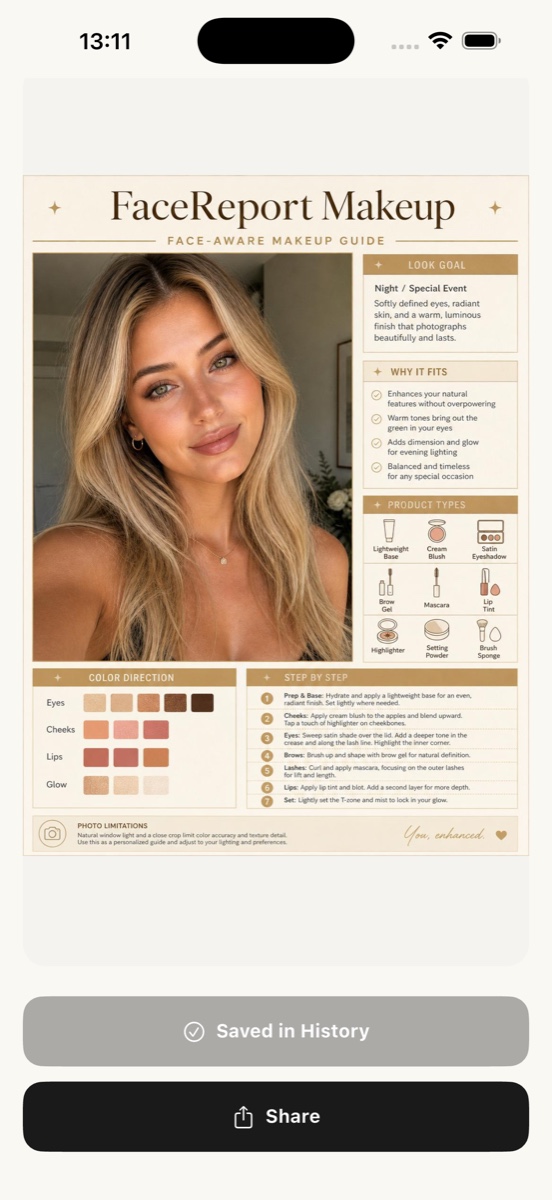
In the app example below, the color-direction section sits alongside product types and application steps. Use those sections to choose a detail to explore; they do not turn the image into a verified product-color chart.
Save what you liked
Note the color direction, focal point, and intensity. You can name and annotate a favorite makeup report in FaceReport AI. New reports and versions depend on the access conditions shown in the app. Explore the US App Store listing.
For a lighter starting point, read natural makeup for beginners. To adapt the same colors for evening, explore day-to-night makeup ideas.
INSIDE FACEREPORT AI
Adapt the color direction to products you own
The palette section is a starting point for considering cheek and lip colors together. It is not an exact product or shade match.
- Describe a preference such as “Rose lips, lighter cheek color.”
- Consider the palette with your own products in your own light.
- Note a pairing you liked on a favorite report.
Photo selection, consent, and reports happen in the app. AI ideas may be incorrect. Access and current prices are shown in the app.
For information and inspiration. How we prepare our guides ↗ · Türkçe sürüm ↗