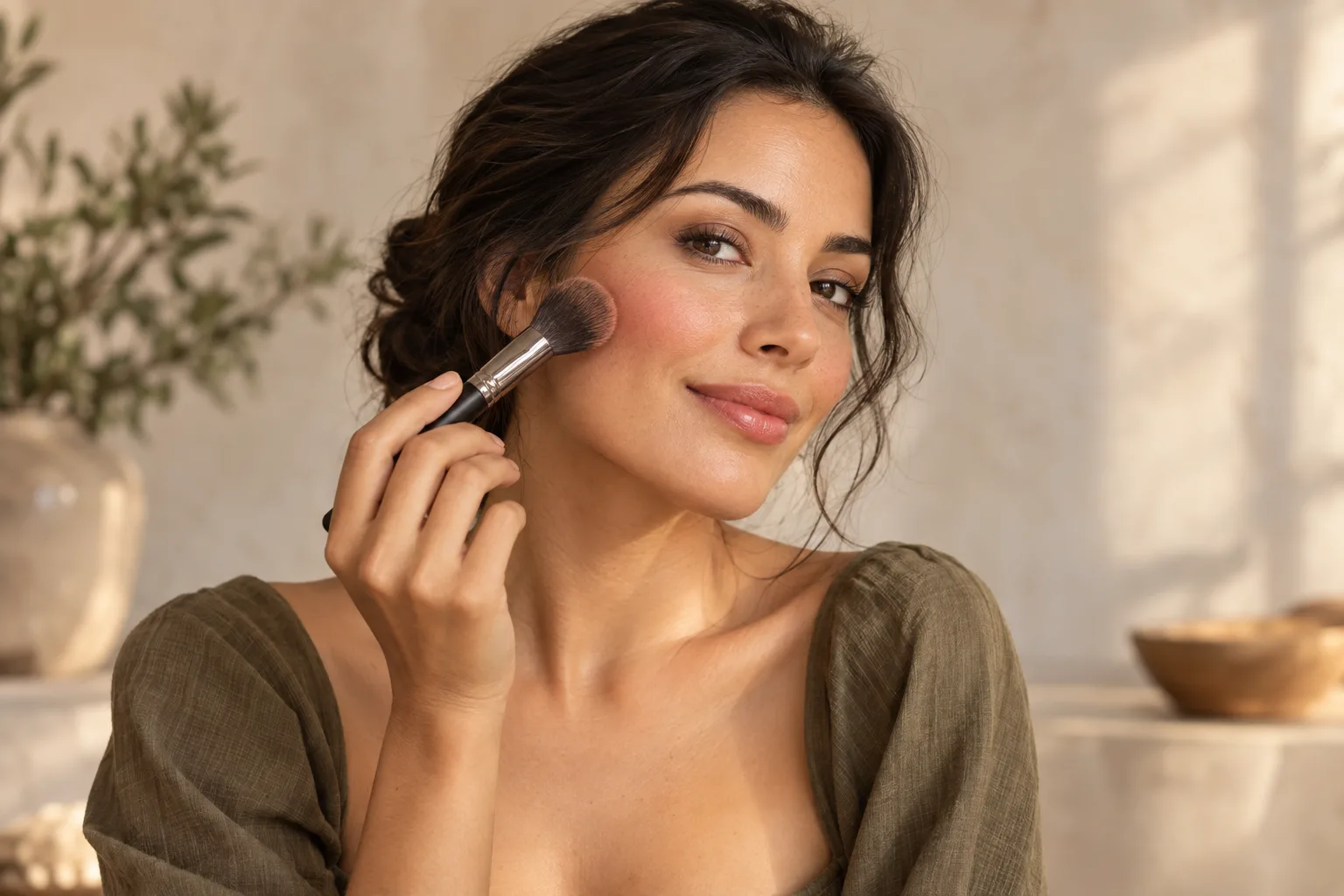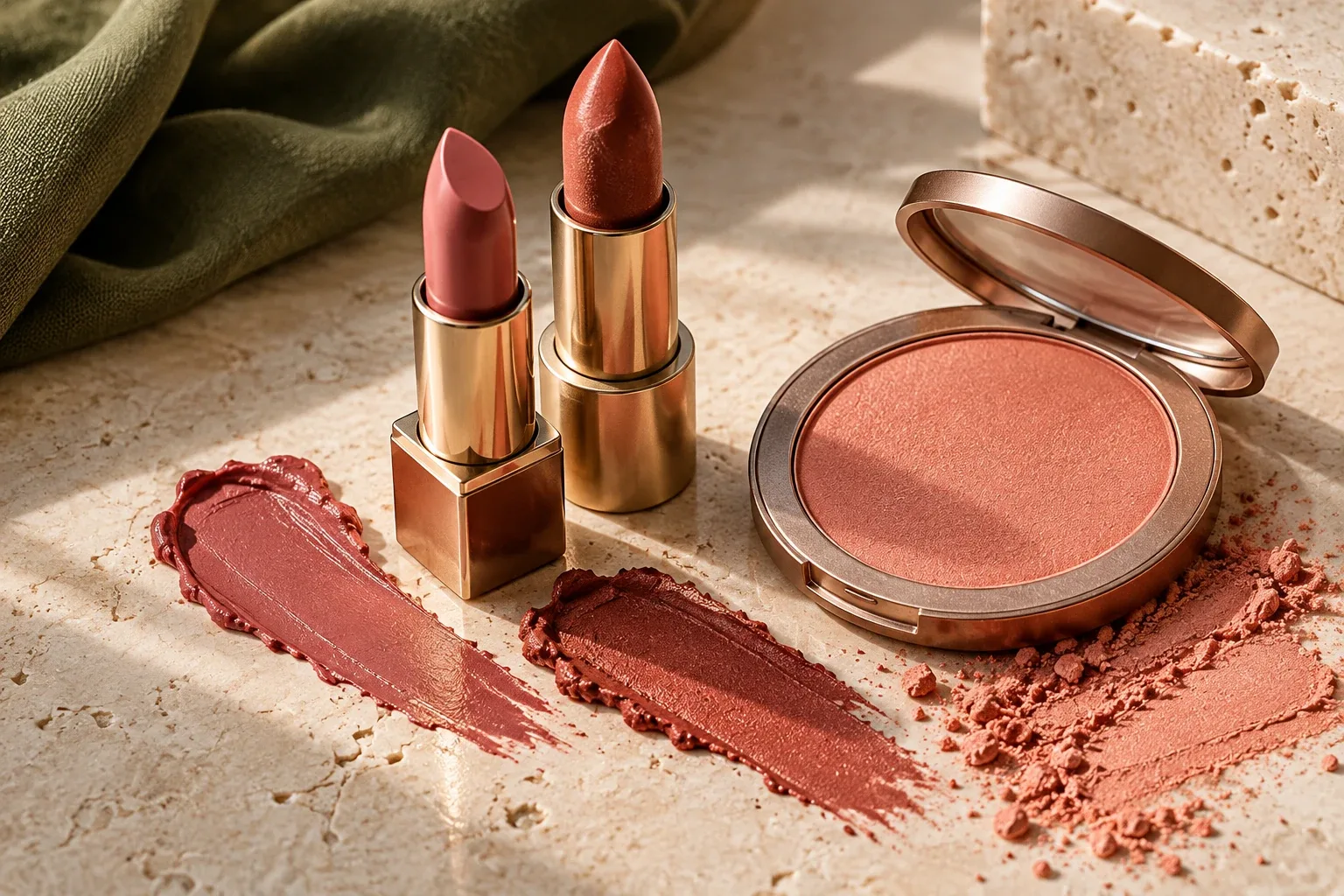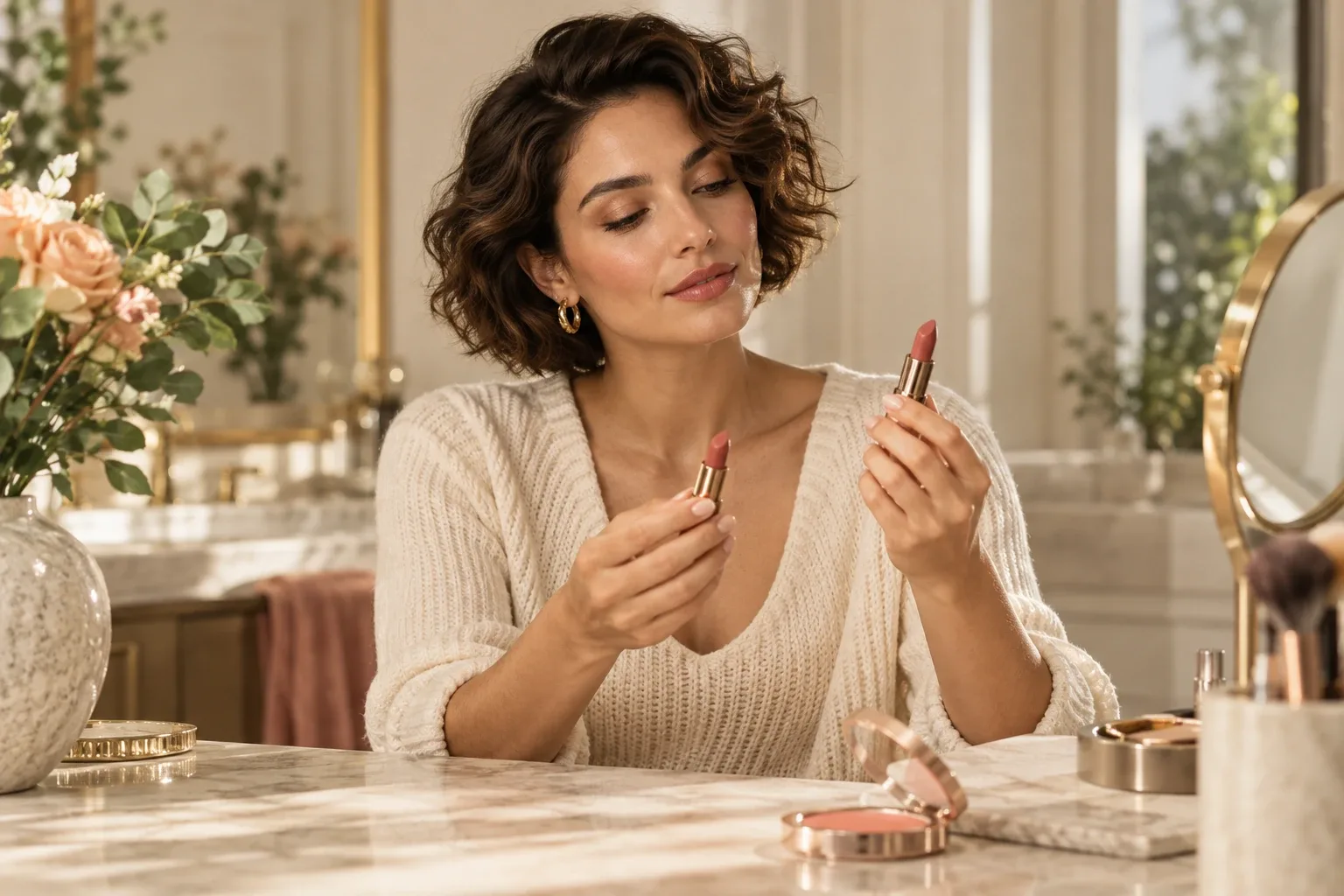
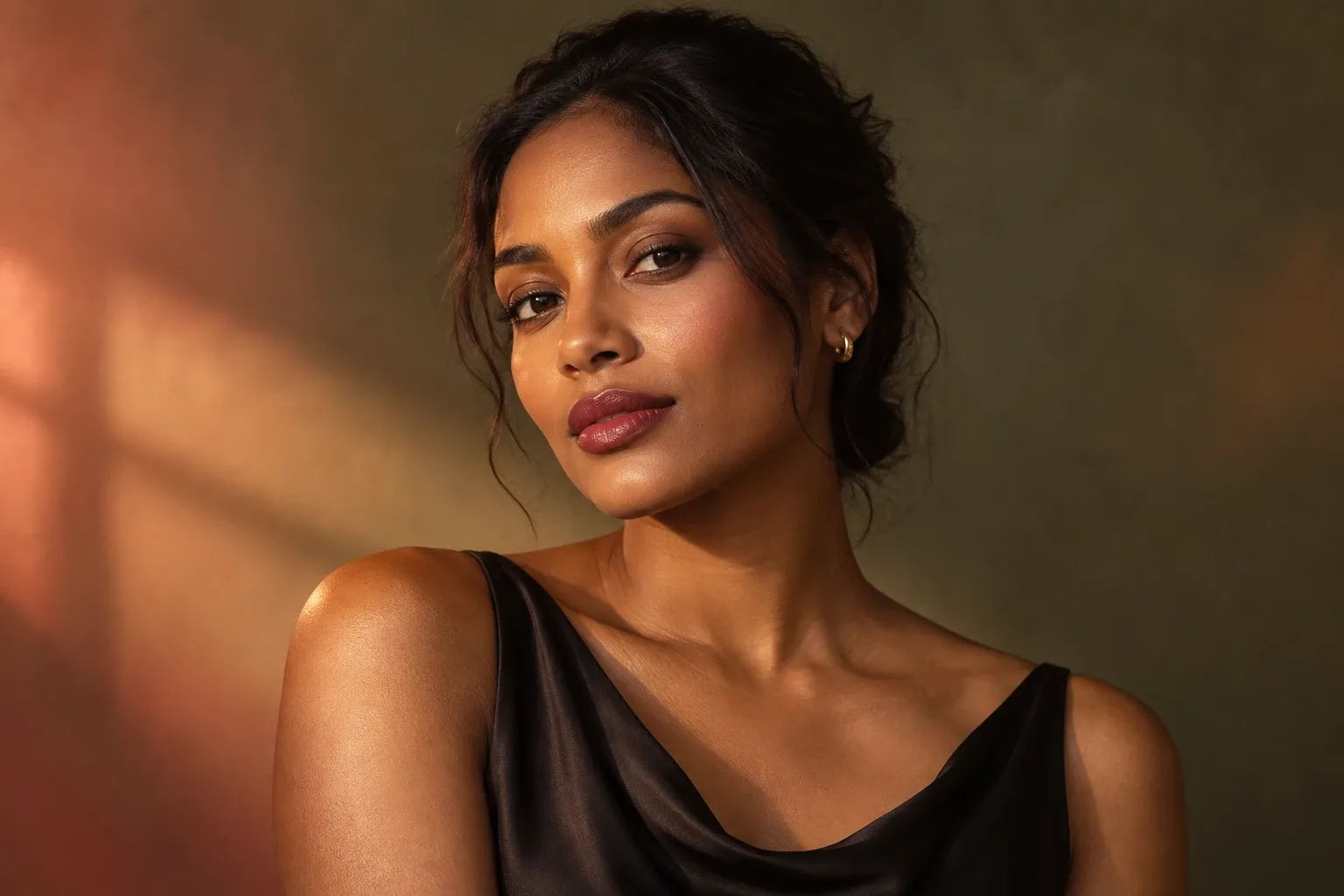
You do not have to redo every step to take makeup from day to night. Assess the existing look, then choose one area—lips, eyes, or cheeks—to make more defined. Keeping details you already like makes the change easier to control.
Evening makeup does not have to be dark, heavy, or sparkling. These three options are starting points for your plans and preferences, not instructions to intensify everything.
Check the current look first
Look in the mirror close up and from a little farther back. Which detail do you still like? Which area needs refreshing? Decide before layering on more product, and follow your products' instructions.
If you enjoy your daytime blush, keep it as a starting point rather than changing the whole palette because it is evening. If you are starting from scratch, try the natural makeup guide.
Option 1: change only the lip emphasis
If you like your eye makeup, try a more defined lip as the new focal point. Assess the current lip product first, then follow the directions for the product you choose. Pause before increasing cheek or eye intensity too.
A clear goal could be: “Keep the soft daytime eyes; explore a berry-inspired lip for evening.” You have described both the change and what you want to preserve.
Option 2: focus on one eye detail
If you want to keep the lip color, choose a familiar eye technique. That could mean defining a favorite shadow tone a little more or refining a line you already know. You do not need several new colors and techniques at once. Use only products intended for the eye area and follow their instructions.
An example goal: “Keep lips and cheeks softer, with more defined soft brown eyes.” L'Oréal Paris's soft glam guide explores soft transitions and neutral tones as one approach. It is not a mandatory look or one formula for every face.
Option 3: keep the palette, change the finish
If you like the colors, consider a finish change instead of a new palette. You might prefer a glossier lip using a familiar product, or slightly more cheek emphasis. Check that one change before making every area shinier or stronger.
For example: “Keep the rose palette and soft eyes; explore a glossier lip finish.” The preserved colors and changed finish are specific. For palette choices, see blush and lipstick pairings.
Why pause after one change?
Changing lips, eyes, and cheeks together makes it harder to identify the difference you enjoy. Step back after one adjustment and decide whether you want another.
The venue's light may differ from where you got ready. Do not expect color or shine in a close-up screen image to look identical everywhere; assess the whole look too.
Describe a new makeup version in FaceReport AI
Rather than asking only for “more evening makeup,” describe the area to change: “Keep the soft feeling around the eyes and explore a stronger berry lip.” FaceReport AI can create a new makeup version from the original portrait using your requested change.
The previous report is kept, and the new version uses the normal report allowance. Other generated details are not guaranteed to stay identical, so review the result against your preferences. Our personalized makeup guide offers more examples.
A worked example: keep the palette, change one feature
Imagine that your daytime look uses a rose-inspired lip, light cheek color, and simple eyes. For evening, you decide that the lip is the only part you want to emphasize. Keep a note of that goal before selecting a new idea: “Keep the rose direction and soft eyes; make the lip more defined.”
After reviewing a new FaceReport AI makeup version, compare the result against that note. Is the lip direction useful? Did the eyes also become more defined? Generated images can change beyond the detail you requested. You can keep the lip idea without reproducing every part of the image in person.
What if the evening venue has different light?
A look checked by a window may feel different in a warmly lit restaurant. If convenient, look at the complete result under ordinary indoor light before leaving. That check is about your preference, rather than finding a shade that must look identical in every environment.
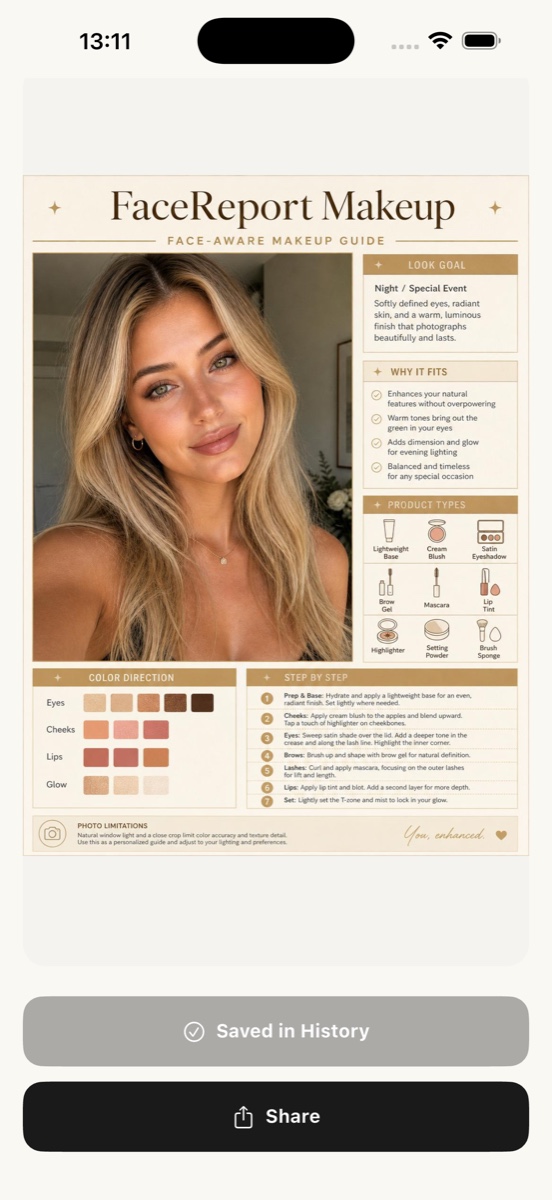
The screenshot below is an actual app example with a night/special-event goal. It demonstrates where the report places the goal, color direction, product types, and steps. Your own report will depend on the portrait and request, so use it to understand the layout rather than expect the same generated face or colors.
Before you head out
- Which area is the main focal point?
- Is the daytime detail you wanted to keep still present?
- Do you want another step, or do you like the current finish?
- What color or intensity would you like to remember?
Save a favorite report with a name such as “Evening — lip focus” and a short note. Explore FaceReport AI on the App Store. Photo processing and reports happen in the app under the access conditions displayed there.
INSIDE FACEREPORT AI
Choose one change for evening
This report shows a night/special-event goal, palette, and steps together. Include what you want to preserve in your own request.
- Choose to create a new version from an existing makeup report.
- Describe a change such as “Keep eyes soft; make the lip more defined.”
- Review the new result; the earlier report stays, and the new version uses the normal allowance.
Photo selection, consent, and reports happen in the app. AI ideas may be incorrect. Access and current prices are shown in the app.
For information and inspiration. How we prepare our guides ↗ · Türkçe sürüm ↗