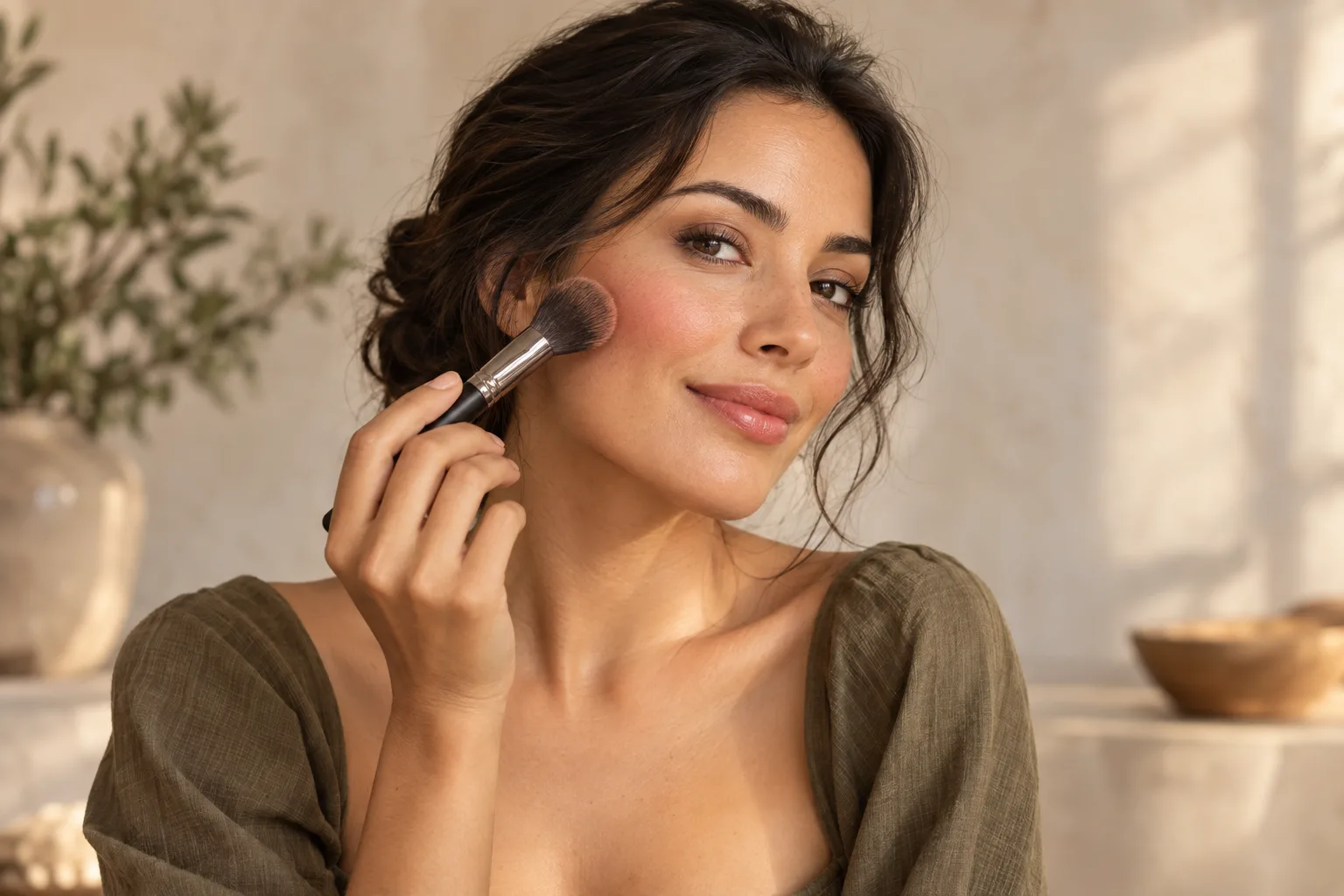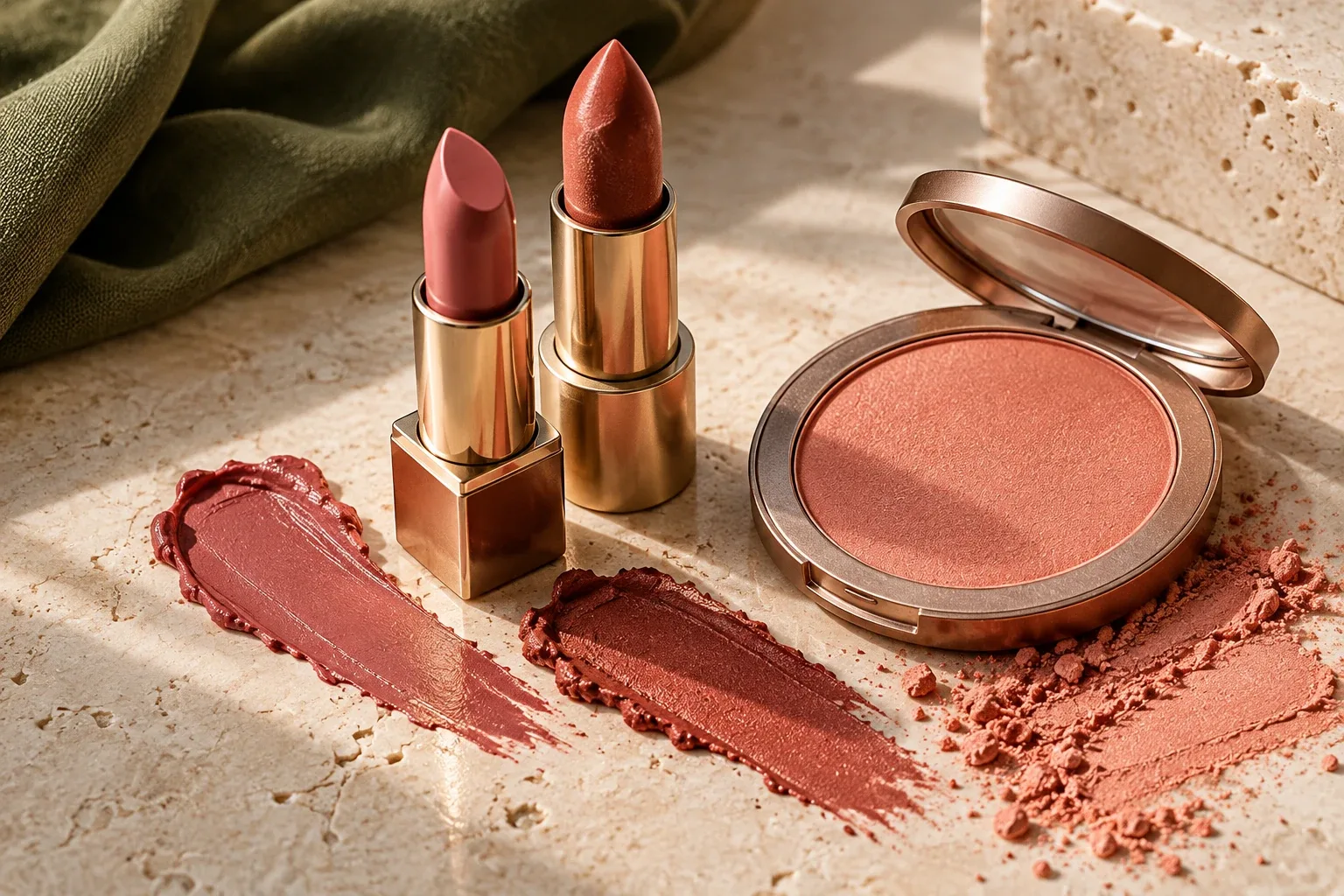
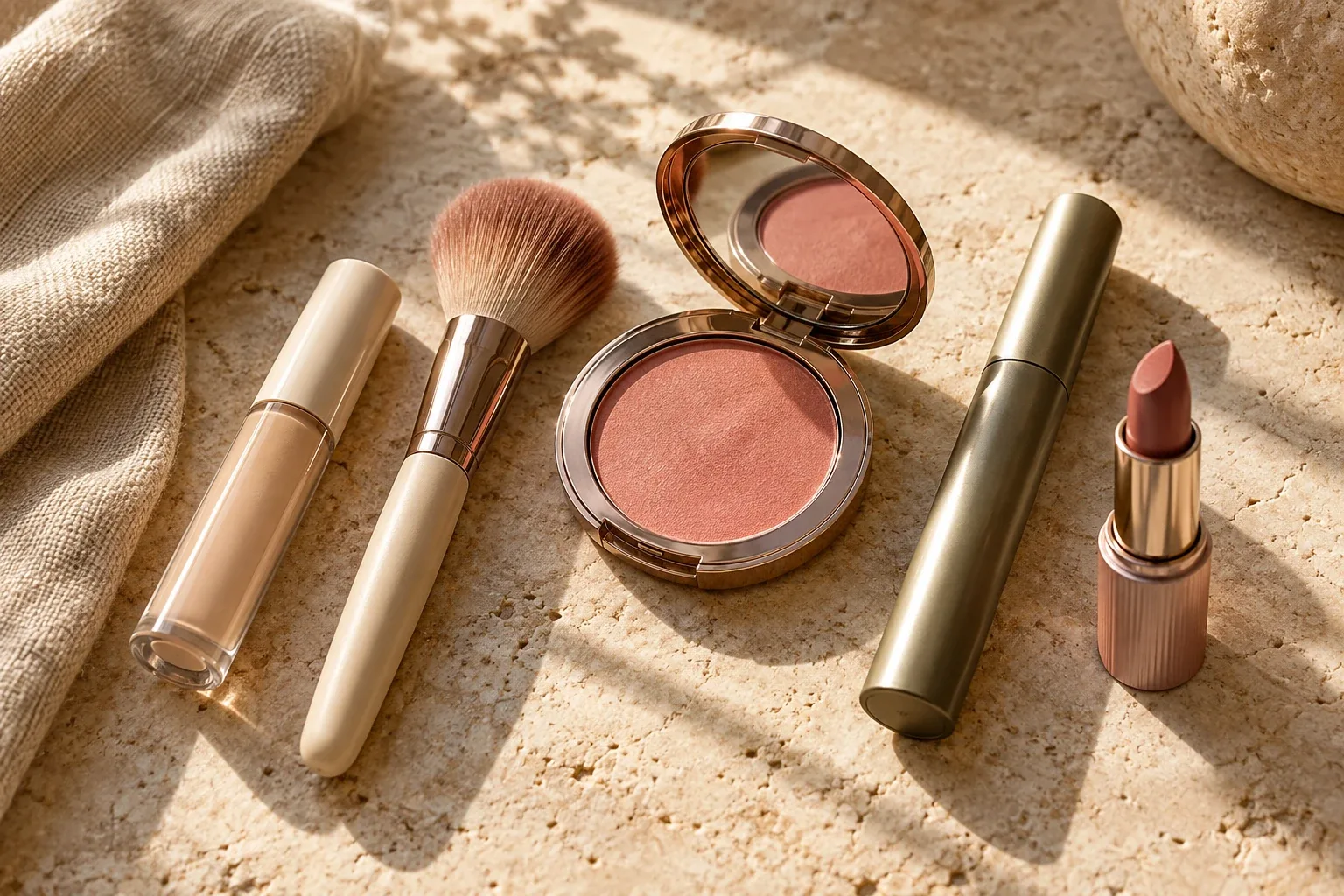
An everyday makeup routine does not have to be long or complicated. Start by deciding how you want the look to feel and how much time you have. Shorten or change these steps to fit your own habits.
1. Set a time budget
If you have five minutes, choose one or two areas to focus on. With more time, you might explore a new color or technique. Your routine does not need to be the same length every day.
2. Describe the look you want
Soft, fresh, minimal, or defined: write down a few words. They make it easier to choose among many ideas. Instead of copying a photo exactly, select a detail you like.
Start with one focal point
Choose eyes, lips, or cheeks as the area you want to emphasize that day. Keep other steps simple around that choice. This is a way to reduce decisions, not a rule you must follow.
3. Bring together colors you enjoy
Look at the products you already have. Peach, rose, and brown are possible starting ideas, not compulsory shades. Checking colors in daylight can help you notice how room lighting changes their appearance.
4. Break the routine into small steps
Pause after each step rather than trying to finish everything at once. Note the result you liked and one detail you want to try again. That makes it easier to return to the idea another day.
5. Adapt inspiration to your own preferences
An AI makeup suggestion does not replace your taste. Adjust it to your time, products, and comfort. Take the same flexible approach to makeup ideas in FaceReport AI.
An example plan for a short routine
This is a planning example, not a time guarantee or required product list. First check your light and choose the day's goal. Spend most of the available time on a focal point: perhaps a lip color, a light cheek touch, or one familiar eye step. Use the remaining time to check the whole look under the same light and reduce intensity if you prefer.
You do not need to buy something new. Start with products you own and enjoy. If you cannot reproduce a shade exactly, a detail with a similar feel may be enough.
Two sample routines with different priorities
A lip-focused morning
Set out a familiar lip product, a mirror, and only the other products you actually plan to use. Start with the lip intensity you want, check the whole look, and decide whether to add anything else. The routine can end there. “Everyday” does not require base coverage, eye makeup, and cheek color every time.
A cheek-focused morning
Choose a cheek product you already know and apply it according to its directions. Check the color after blending before deciding on your lip. If the cheeks are the detail you wanted, keep the other areas as simple as you like. Compare blush and lipstick pairings when you want to change the palette.
A note that makes tomorrow easier
After trying a look, record a short line: “Rose lip, light cheeks; tomorrow I want fewer eye steps.” This is more actionable than saving a photo without remembering what you liked about it. In a saved FaceReport AI makeup report, your own name and note can help distinguish a quick routine from an evening idea.
These sample routines are editorial planning examples. They are not measured completion times or results from a user test. Adapt the sequence around your experience and the instructions for the products you use.
What should you save for the next attempt?
- The time available and the look you were aiming for.
- The color combination, product, and focal point you liked.
- One thing you would change next time.
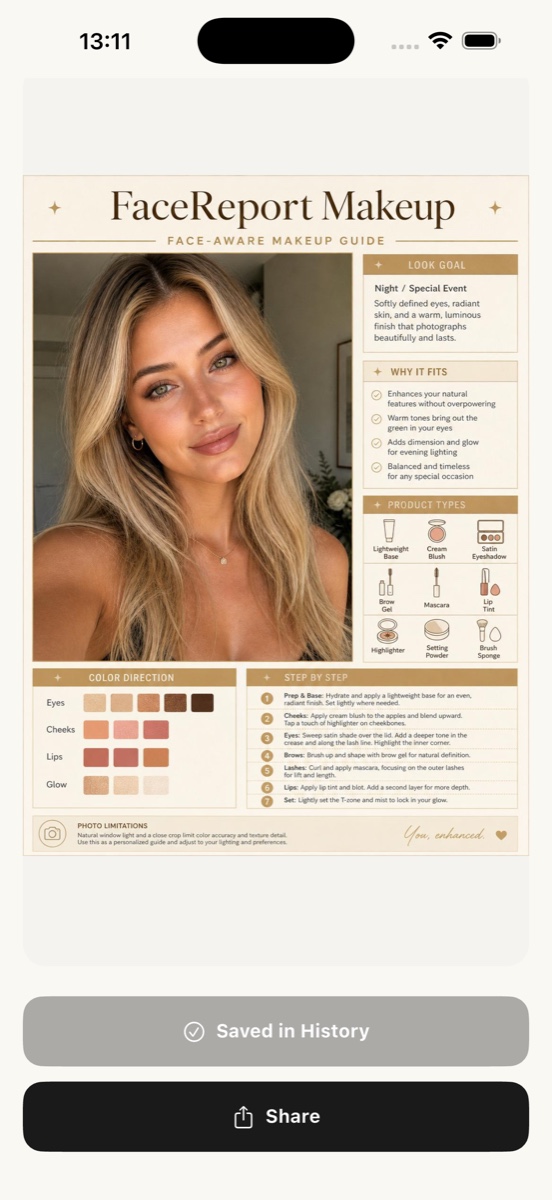
In FaceReport AI, you can save makeup reports to favorites, name them, and add notes. Use a saved idea as a reference rather than expecting the image to reproduce exactly on your face. Report creation happens in the iPhone app under the conditions displayed there.
For a more specific starting point, read how to describe personalized makeup preferences. If you are selecting a new photo, use the portrait checklist. Keep the limits of AI reports in mind while exploring.
INSIDE FACEREPORT AI
Bring one idea into your everyday routine
Specify a shorter routine if that is your goal. You do not need every product type or step shown in the sample report.
- Set a time preference and the intensity you want.
- Begin with one application step that fits your routine.
- Name a favorite “Morning — lip focus” and add a short note.
Photo selection, consent, and reports happen in the app. AI ideas may be incorrect. Access and current prices are shown in the app.
For information and inspiration. How we prepare our guides ↗ · Türkçe sürüm ↗